MAG Packs x2, x5 and x10 for Small Businesses: Which Bundle Fits Your Deployment?
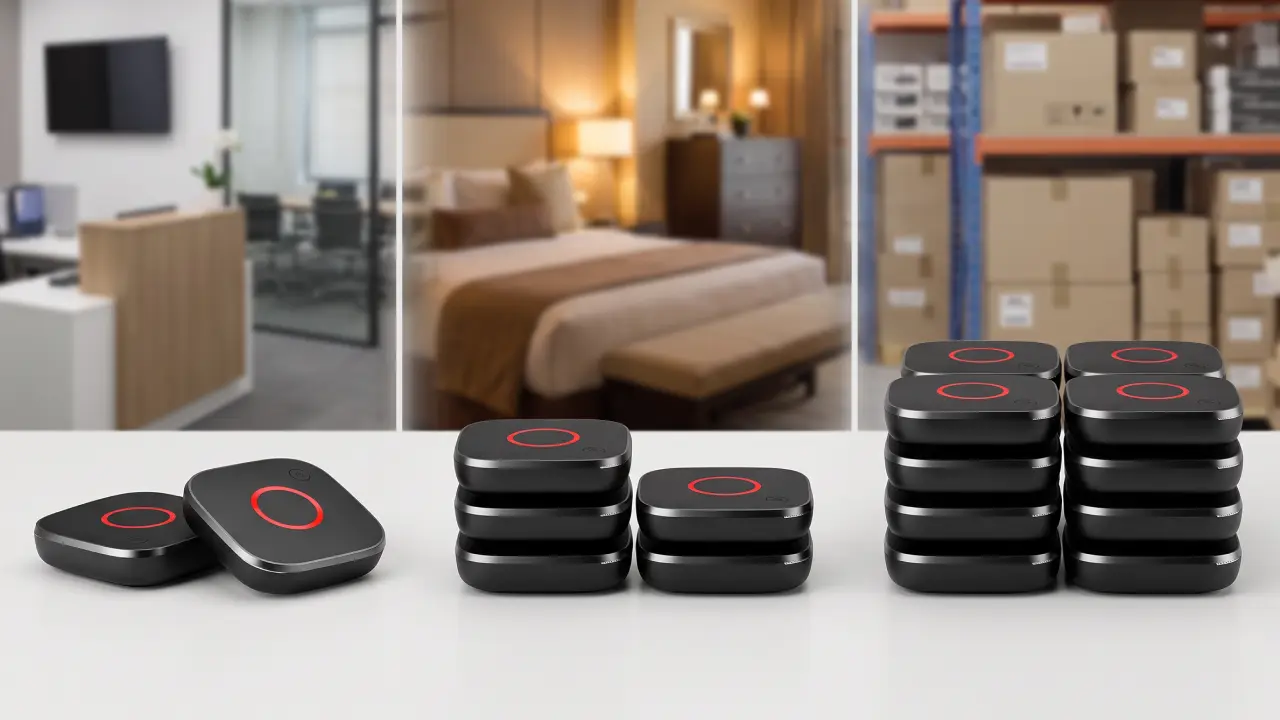
A MAG pack is a bundle of several MAG set-top boxes sold together. For a small business, the right pack depends on the number of screens, the required TV service and the cost per usable device—not simply the largest available discount.
At Device Bazar, we supply original MAG devices as an online electronics store and official MAG dealer. This guide helps you choose IPTV boxes for business, from a two-device trial to a small hotel installation or resale stock.
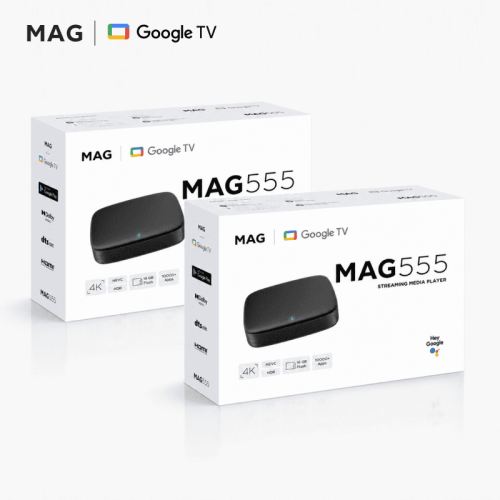
- Choose x2 for two screens or a trial before a larger installation.
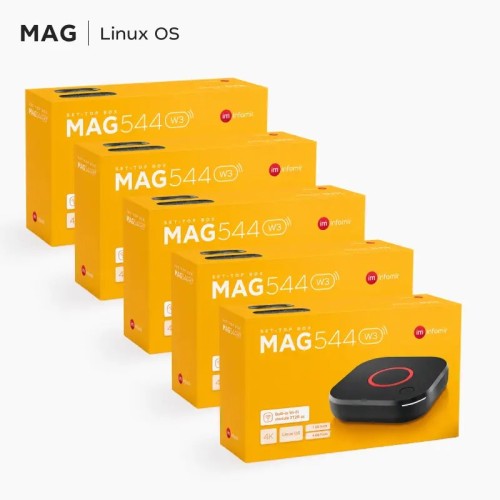
- Choose x5 for five viewing points, four rooms plus a spare, or a small resale batch.
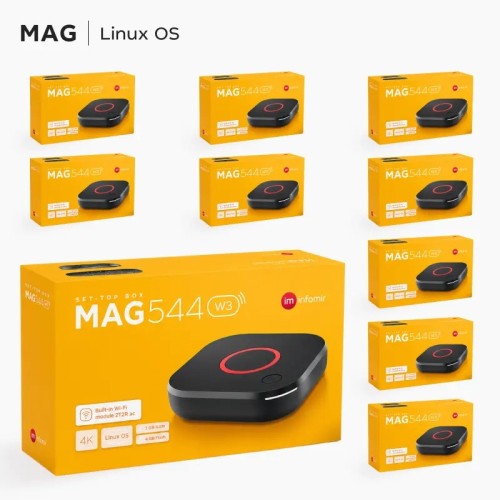
- Consider MAG544w3 x10 for ten confirmed requirements; MAG555 also has an x12 option.
- Select the operating system around your service, then compare pack prices with individual units.
Who buys MAG packs and why
Packs suit personal use across several rooms, business premises and small-scale deployments. An office might need reception and staff-room TV, while a guesthouse needs independent viewing in each room.
Small resellers can buy a manageable batch without committing to a large inventory. Using one model can simplify setup instructions and spare-device planning, although every customer’s service still needs compatibility checks.
Start by counting screens that require independent playback. Our guide to planning a multi-room IPTV setup explains why screen count, simultaneous viewing and subscription limits are separate decisions.
MAG pack prices: x2, x5 and x10 compared
The table uses Device Bazar catalogue and pack-page prices retrieved on November 2026, with individual-unit reference prices of €108.80 for MAG544w3 and €81.80 for MAG555. Prices are displayed as tax included; calculations exclude shipping and destination-specific charges.
| MAG pack | Pack price | Price per box | Equivalent individual units | Pack saving |
|---|---|---|---|---|
| MAG544w3 x2 | €216.60 | €108.30 | €217.60 | €1.00 / 0.46% |
| MAG544w3 x5 | €539.00 | €107.80 | €544.00 | €5.00 / 0.92% |
| MAG544w3 x10 | €1,038.00 | €103.80 | €1,088.00 | €50.00 / 4.60% |
| MAG555 x2 | €160.60 | €80.30 | €163.60 | €3.00 / 1.83% |
| MAG555 x5 | €394.00 | €78.80 | €409.00 | €15.00 / 3.67% |
Calculate savings as: quantity × current individual price − pack price. Compare both options using the same destination, tax treatment and promotion conditions.
x2: two screens or a pilot
An x2 pack suits reception and a staff room, or a two-room trial. Test the intended service, remote controls and network before repeating the setup across more rooms.
x5: a small rollout or resale batch
An x5 pack can serve five screens or four rooms with one replacement box. Keep spare stock separate in your budget: a €394 MAG555 x5 pack allocated to four active rooms represents €98.50 per active room, including the spare.
x10: confirmed demand across ten devices
At the listed prices, one MAG544w3 x10 pack costs €40 less than two x5 packs. However, five unused boxes still tie up cash, so buy ten only when installations, customer orders or a deliberate spare-stock plan justify them.
Related products
Linux vs Google TV for business use
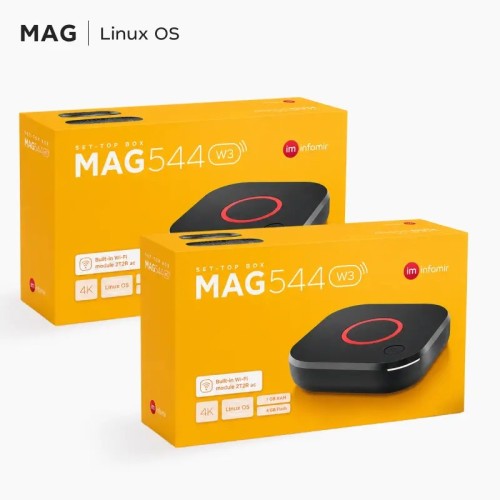
MAG544w3 runs Linux and suits a dedicated IPTV service that supports the device. MAG555 offers Google TV, based on Android TV OS, for deployments requiring compatible streaming applications. Both provide Ethernet and built-in Wi-Fi.
| Requirement | MAG544w3 | MAG555 |
|---|---|---|
| Dedicated IPTV service | Consider after provider confirmation | Check the required application |
| Applications from Google Play | No Google TV app ecosystem | Suitable where required apps are available |
| Office viewing | Defined IPTV workflow | App-based viewing requirements |
| Guest-room installation | Test service and interface | Also plan account removal between guests |
Our Linux and Google TV comparison explains the platform distinction. For purchasing, use the exact MAG544w3 specification rather than assuming every MAG544 variant has identical connectivity.
Neither a bundle nor an operating system establishes hotel-system compatibility. Confirm channel access, permitted business use, account handling and any required central management before ordering.
Deployment tips: prepare, label and test
A small-scale IPTV deployment is a limited installation of network-connected TV players across a business or property. Treat the following as a practical acceptance checklist:
- Confirm service access. Verify the exact device or app, simultaneous-stream allowance and permission for the intended viewing environment. Hardware does not include a TV subscription.
- Test the network under load. Run all planned streams alongside normal business traffic. For illustration, five separate internet streams at 10 megabits per second each consume 50 megabits per second before other traffic.
- Prepare remotes and accessories. Check power adapters, HDMI cables, batteries and remote operation at every position. Test for unwanted control of neighbouring boxes where screens sit together.
- Label each installation. Record the room, model, serial number and network identifier; label its remote with the same room code. Keep passwords out of visible labels.
- Approve one configuration first. Test restart behaviour, playback and account removal, then repeat the validated setup.
Use our guidance on reducing IPTV bandwidth usage when planning network capacity. Prefer Ethernet where practical and test Wi-Fi at the actual installation position.
Ordering from Device Bazar
We serve retail customers and small wholesale buyers throughout the EU, UK, Norway and Switzerland, with orders dispatched from Frankfurt am Main, Germany. Our article on original MAG device supply describes our supply channels and delivery coverage.
Check stock, destination, business invoice details and the final delivered cost before payment. Buyers in Great Britain should also review GOV.UK import-charge guidance, because goods arriving from outside the UK may involve VAT and customs charges.
Choosing a MAG pack starts with your business requirements: the service you plan to use, the number of screens and whether you need a spare device. An x2 pack suits two viewing points or a pilot installation, x5 fits a small property or resale batch, and x10 makes sense when you have a confirmed need for ten devices. Choose the model based on service compatibility and application requirements.
Before ordering, compare current pack and individual-unit prices, including delivery. The right choice provides compatible equipment in the quantity you need, without unnecessary spending or excess stock.
Browse MAG packs at Device Bazar.
FAQ
How much do I save buying MAG boxes in a pack?
Using the catalogue prices in this guide, MAG544w3 packs save €1 for x2, €5 for x5 and €50 for x10 against equivalent individual units. MAG555 x5 saves €15. These are hardware-only comparisons; verify current individual and pack prices together because promotions can change the result.
Which MAG model fits a small office or hotel?
Choose MAG544w3 when your provider confirms support for a dedicated Linux IPTV setup. Choose MAG555 when the required viewing workflow depends on compatible Google TV applications. For hotels, also test guest account removal, remote operation and any management requirements. Neither model should be selected on room count alone.
Can I buy MAG boxes for resale?
Yes. Device Bazar serves small wholesale buyers, and packs provide a practical way to purchase several devices for resale. Confirm invoice details, stock availability and applicable support and warranty terms before committing to customer orders. Calculate your margin after delivery, setup and after-sales costs, not just the pack discount.
Does a MAG pack include channels or hotel management?
A MAG pack supplies hardware; it does not include television channels or an IPTV subscription. Arrange a suitable service separately and confirm its connection limits and intended business use. Do not assume that buying several devices adds central management, hotel-system integration or automatic guest-account removal.
Choose the pack your deployment can use
Confirm the service, test the model and count active screens plus justified spares. Then compare the delivered price against individual units: a suitable pack should reduce purchasing costs without creating unnecessary stock.