
How Many IPTV Boxes Do You Need? A Practical Guide to Multi-Room Setups
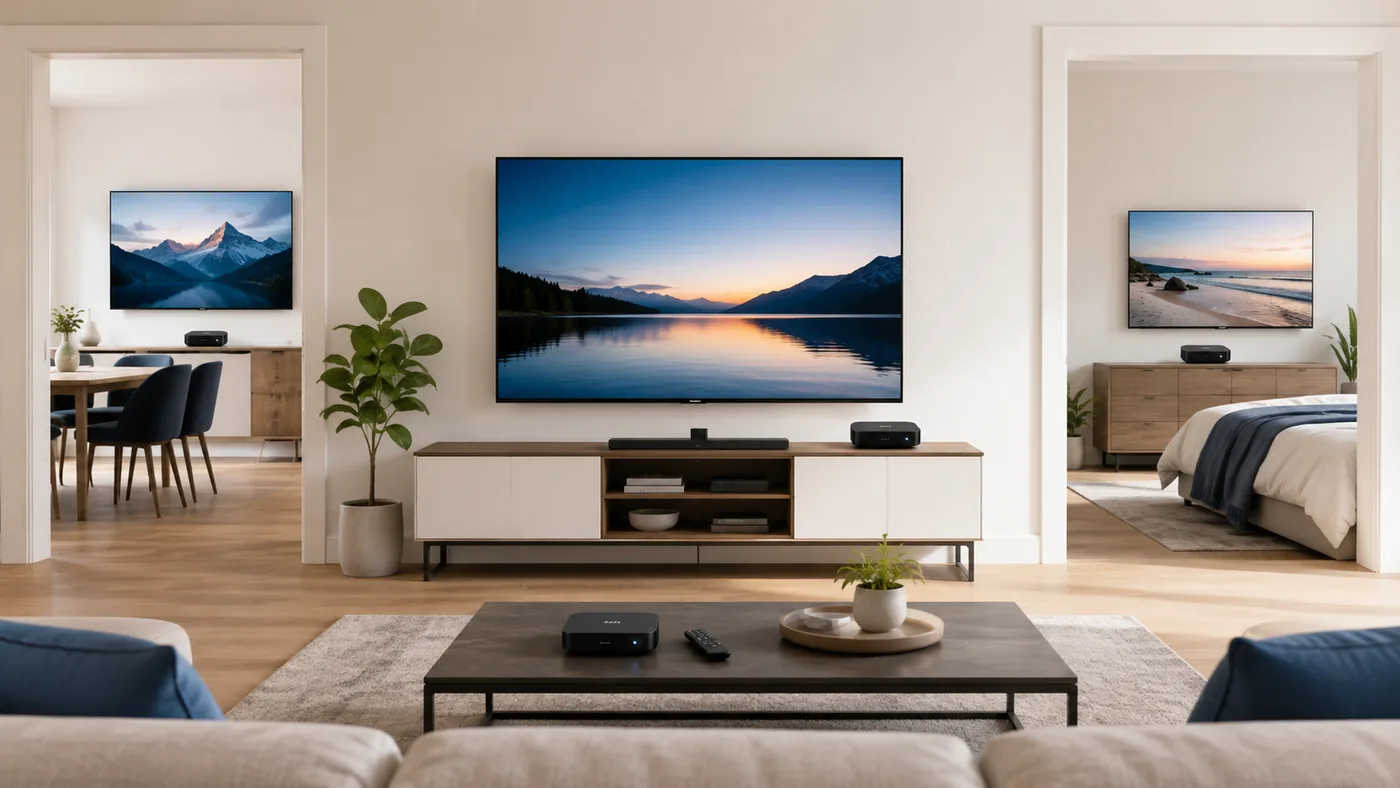
If you're setting up IPTV for more than one television, the question isn't just "which box?" — it's "how many?" Buy too few and someone ends up watching whatever the "main" TV is showing; buy too many and you've overspent on hardware sitting in a drawer.
The short answer: you generally need one set-top box for every television where someone might want to watch something different at the same time. An HDMI splitter can send the same output from one box to two displays, but both screens show identical content at all times — it doesn't provide independent viewing. If any two TVs need to show different channels at once, each one needs its own box.
One Box for Each Independently Used TV
Your IPTV or OTT provider determines how many simultaneous connections your plan supports. The set-top box itself does not control that limit, so check your provider’s rules before ordering hardware for several rooms.
How to Count the Boxes You Actually Need
A practical way to plan a multi-room setup is to separate your televisions into two groups.
Independent viewing
Any TV where a household member regularly watches something different from the rest of the house — a bedroom, a home office, a kids' room, a second living area — needs its own box. Any TV that needs to show different content at the same time generally needs its own set-top box.
Mirrored or occasional-use screens
A guest room that's empty most of the year, or a garage/workshop TV that's rarely on, is a reasonable place to skip a dedicated box, or to move one box between rooms as needed. This is where it's worth being honest about actual usage rather than buying for a hypothetical.
| Setup | Typical box count |
|---|---|
| Living room + bedroom | 2 |
| 3 independently used TVs | 3 |
| Larger home / small guesthouse | Around 5 |
| Small hospitality / installation project | 10–12, where appropriate |
These are examples, not universal requirements — the right number always comes back to how many screens genuinely need independent viewing.
Wired vs. Wi-Fi: Does It Change How Many Boxes You Need?
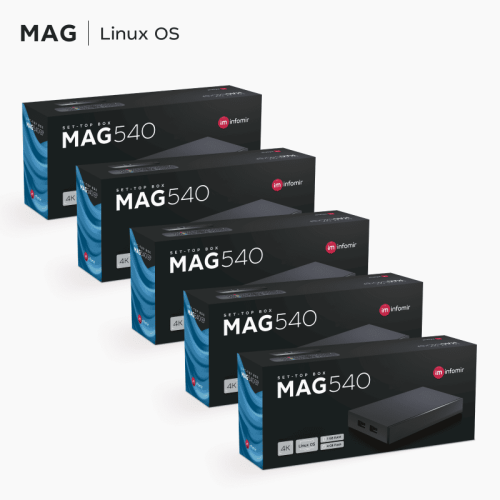
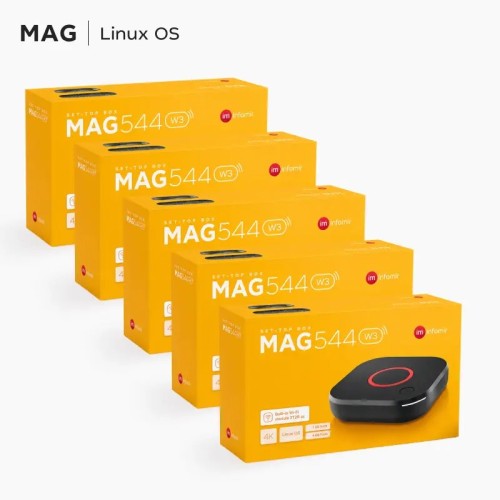
It doesn't change the count, but it does change where each box can realistically go. DeviceBazar's Infomir MAG-series boxes are available in two connection styles: the standard models are built for a wired Ethernet connection, while the "w3" versions add built-in Wi-Fi. If a room doesn't have an Ethernet point nearby, and running a cable isn't practical, that's a genuine reason to choose the Wi-Fi variant for that specific box rather than assuming every room in a multi-box order needs the identical model — for example, mixing a wired MAG540 x5 Pack for rooms already wired for Ethernet with a MAG544w3 x5 Pack for rooms that aren't.
Related products
Network Capacity: The Part People Forget
Adding boxes adds simultaneous streams, and each stream draws from the same internet connection and the same home network. Before finalizing how many boxes to buy, it's worth checking that your router and internet plan can actually support that many independent 4K or HD streams running at once — this is a separate question from how many boxes you own, and one we cover in detail in How to Optimize Your Home Network for Better IPTV Streaming. If your connection is closer to the edge of what multiple simultaneous streams need, our guide on reducing IPTV bandwidth usage is worth reading before you commit to a large multi-room order.
Choosing the Right Pack Size
Once you know how many independent boxes you need, packs are usually more practical than ordering units one at a time — you get consistent hardware across every room, and multi-packs can be more convenient than ordering the same units individually, especially when you are equipping several rooms at once. Using the same hardware platform across rooms also simplifies setup, management, and troubleshooting.
- 2 boxes — a common starting point for a small apartment or a second TV added to an existing single-box home. See the MAG540 x2 Pack.
- 5 boxes — fits a larger family home with several independent viewing rooms, or a small guesthouse. Available as a wired MAG540 x5 Pack or, for rooms without easy Ethernet access, the Wi-Fi-equipped MAG544w3 x5 Pack.
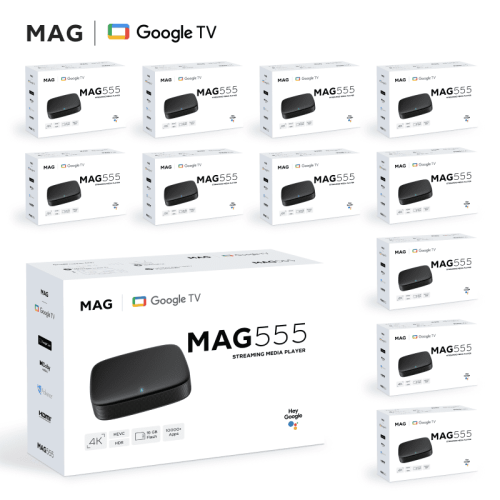
- 10 or 12 boxes — intended for small hospitality properties, multi-unit buildings, or resellers furnishing several locations at once. For households or venues that prefer an Android TV interface over Linux, the MAG555 x12 Pack is built on Android TV rather than the Linux platform used by the MAG540/MAG544 range — worth comparing against a Linux-based option using our MAG544 vs MAG555 comparison if you haven't settled on a platform yet.
Furnishing Rentals and Guest Rooms
If you're furnishing a rental property, a small guesthouse, or several units in a building, every occupied room typically needs its own box and its own connection, since guests can't be expected to share a login session across rooms. This is where 5-, 10-, or 12-box packs can be especially practical.
Selection Checklist
Before placing an order for more than one or two boxes, it helps to work through this short list:
- Count the TVs that need independent viewing — not every TV in the property, just the ones that will realistically show different content at the same time.
- Confirm with your IPTV provider how many simultaneous connections your plan supports, and what adding more costs.
- Check which rooms have a wired Ethernet point and which don't, so you order the right mix of standard and Wi-Fi ("w3") models.
- Make sure your router and internet connection can handle that many simultaneous streams before you commit to a large order.
- For five or more boxes, compare the available multi-packs with individual units — a pack can simplify ordering and keep the hardware platform consistent.
Frequently Asked Questions
Can one IPTV box serve two TVs?
Not for independent viewing. An HDMI splitter can mirror one box's output to two screens, but both show the same thing at the same time — if the two TVs need to show different channels, each needs its own box.
Do I need a separate subscription for every box?
That depends on your IPTV provider's own connection limits, not on the hardware — check directly with your provider before buying multiple boxes.
Is it better to buy a multi-pack or several single units?
For five or more boxes, a multi-pack is usually simpler to order and puts identical hardware in every room, which makes setup and troubleshooting easier.
Do all the boxes need to be the same model?
No — it's common to mix a wired model for rooms with Ethernet and a Wi-Fi ("w3") model for rooms without, as long as all the boxes are compatible with your IPTV provider's service.
Conclusion
Sizing an IPTV setup for multiple rooms comes down to counting real, independent viewing needs rather than one TV per box on principle, confirming your subscription's connection limits, and matching each box's connection type to what's actually available in that room. Once those three things are settled, a matching multi-pack is usually the simplest way to buy the hardware in one order.