IPTV Accessibility Features: Subtitles, Audio Description & Voice Navigation
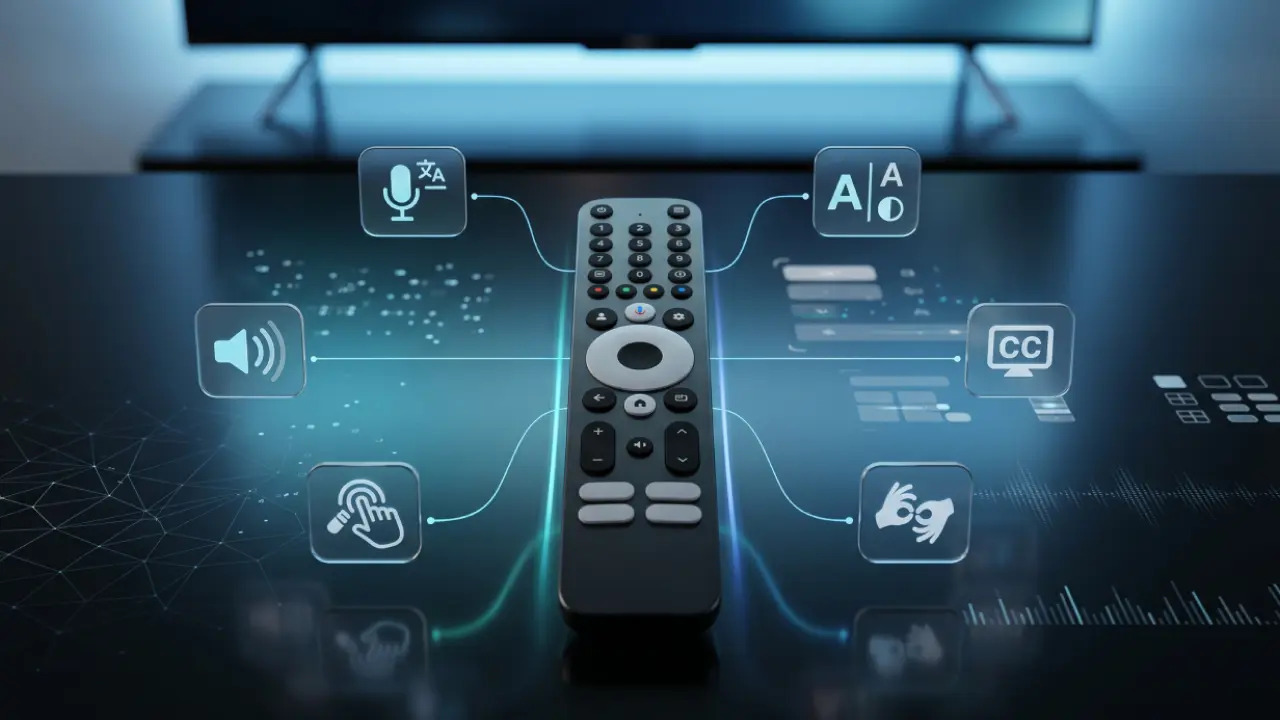
IPTV has evolved into a flexible entertainment platform that can accommodate a wide range of user needs. For people with hearing or vision impairments, modern IPTV services offer accessibility features that make watching television, movies, and live content more comfortable and independent. From subtitles and audio descriptions to voice navigation and adaptive interfaces, today's IPTV systems provide multiple ways to improve accessibility.
Subtitles and Closed Captions
Subtitles are one of the most common accessibility features available on IPTV platforms. In addition to standard subtitles, many services support closed captions (CC), which include descriptions of non-verbal sounds such as background music, alarms, laughter, or door knocks. These details help viewers who are deaf or hard of hearing better understand the full context of a program.
Most IPTV applications allow users to customize subtitle appearance by adjusting font size, colors, and background transparency. This makes reading captions easier for viewers with different visual preferences and needs.
How to Enable Subtitles and Closed Captions
- On Android TV and Google TV devices, open the player settings and select Subtitles/CC.
- On Linux-based IPTV set-top boxes such as MAG devices, open the menu and navigate to Audio/Subtitles.
- Popular IPTV players including TiviMate, OTT Navigator, and VLC offer advanced subtitle customization options.
- If captions are unavailable, applications such as Subtitles Viewer or GetSubtitles can download and synchronize subtitle files during playback.
Audio Description for Blind and Visually Impaired Users
Audio description (AD) is an additional narration track that explains important visual information occurring on screen. It describes actions, facial expressions, scene changes, text appearing on screen, and other visual details that may otherwise be missed by viewers with limited vision.
Many television channels and video-on-demand services indicate audio-described content with an "AD" label. Some specialized applications, such as Earcatch, allow users to download audio description tracks and automatically synchronize them with supported films and TV shows.
When available, audio description can significantly enhance the viewing experience by providing context that would otherwise be inaccessible through dialogue alone.
Screen Readers and Voice Navigation
Many modern IPTV platforms include built-in screen reader technology that helps users navigate menus, settings, and content libraries without relying on sight.
- Android TV: TalkBack provides spoken feedback when navigating menus and applications.
- Apple TV: VoiceOver reads on-screen text and interface elements aloud.
- Kodi: Supports accessibility-focused themes with larger text, high contrast, and simplified navigation.
Voice control can further simplify navigation. Users can launch applications, change channels, search for content, or control playback using voice commands through compatible assistants and smartphone remote-control apps.
Display and Interface Customization
People with low vision often benefit from customized display settings. Many IPTV devices and smart TVs allow users to adjust screen contrast, enlarge text, increase icon sizes, and enable high-contrast interface modes.
These modifications can make menus easier to read and reduce eye strain. Some IPTV providers also use visual symbols and emojis in channel categories, making content easier to identify for users with certain visual processing difficulties.
Accessibility Accessories for IPTV
Additional hardware can improve accessibility and comfort when using IPTV services.
- Bluetooth headphones provide private listening and can improve audio clarity.
- Bluetooth hearing aid compatibility, including Bluetooth LE Audio and Auracast technologies, allows direct audio streaming to supported hearing devices.
- Large-button remote controls simplify navigation for users with vision limitations or reduced dexterity.
- Smartphone remote-control applications can offer easier interaction through touchscreens and voice commands.
Benefits of Accessible IPTV
Accessibility features make IPTV more inclusive by allowing people with different abilities to enjoy entertainment independently. Whether through subtitles, audio descriptions, screen readers, or adaptive interfaces, these tools help remove barriers that might otherwise limit access to television and video content.
As IPTV platforms continue to evolve, accessibility options are becoming more advanced and widely available. Taking advantage of these features can dramatically improve the viewing experience for users with hearing loss, vision impairments, or other accessibility needs.
Conclusion
Modern IPTV services offer a wide range of accessibility tools designed to support users with hearing and vision impairments. Features such as closed captions, audio descriptions, voice navigation, screen readers, and customizable interfaces make content easier to access and enjoy. With the right settings and assistive technologies, IPTV can provide an inclusive entertainment experience for viewers of all abilities.